vMIX/Zoom From the Speaker’s Seat: How Production Choices Shape Virtual Talks

From the Speaker’s Seat: How Production Choices Shape Virtual Talks
I’m writing this as someone who lives on both sides of the signal chain.
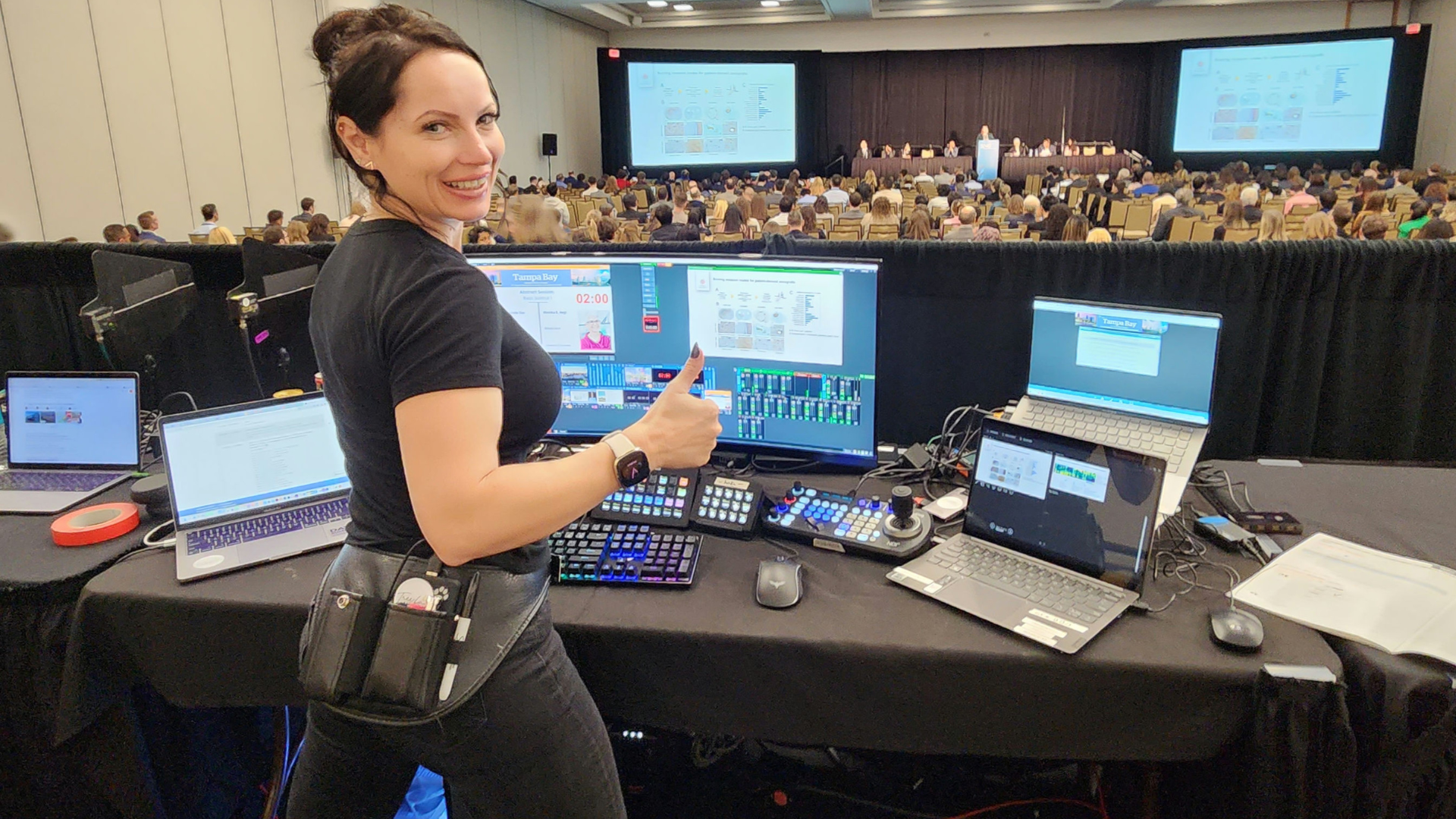
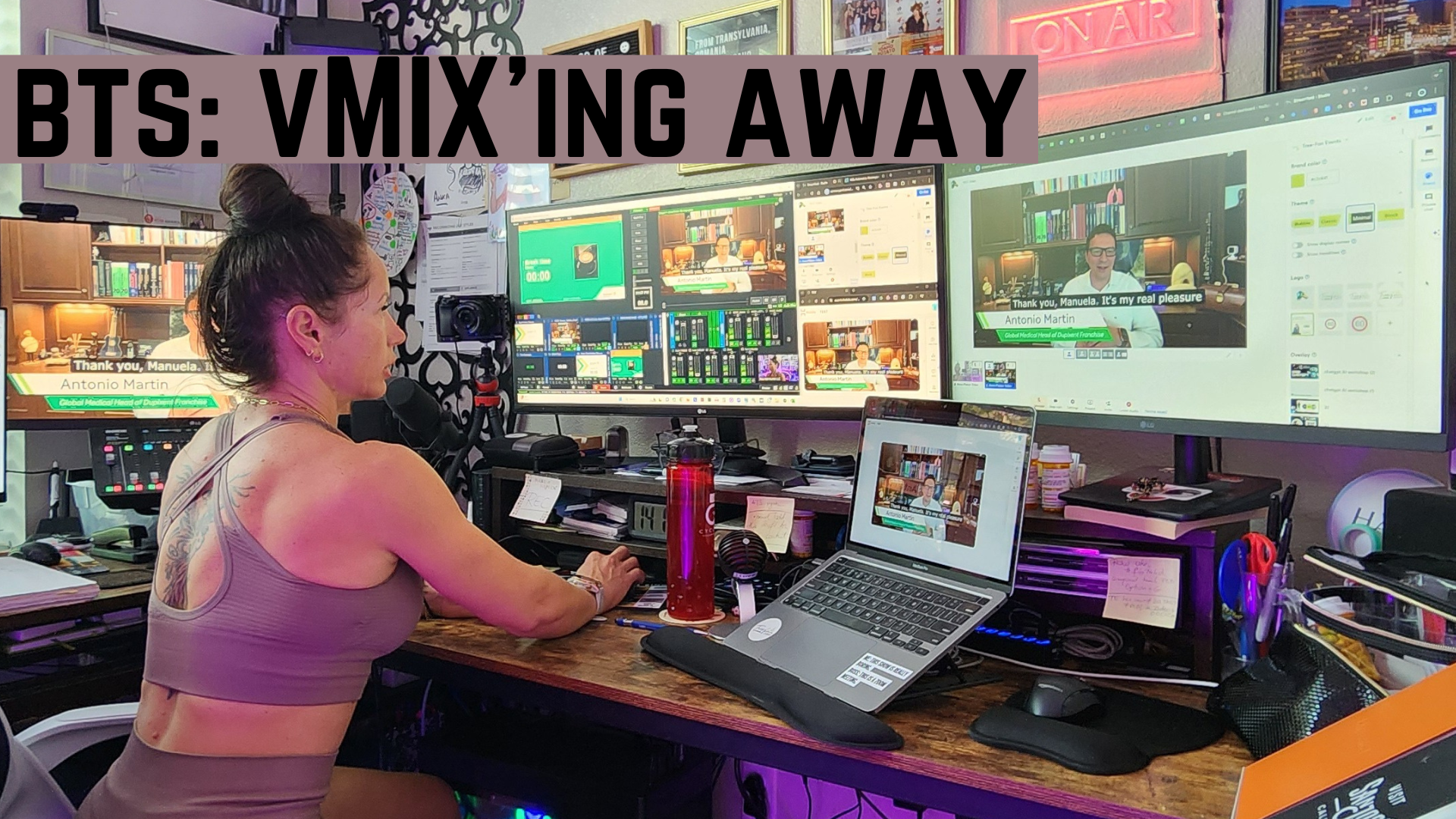
I build vMix shows.
I design MultiView layouts.
I route buses, manage mix-minus, and run live productions.
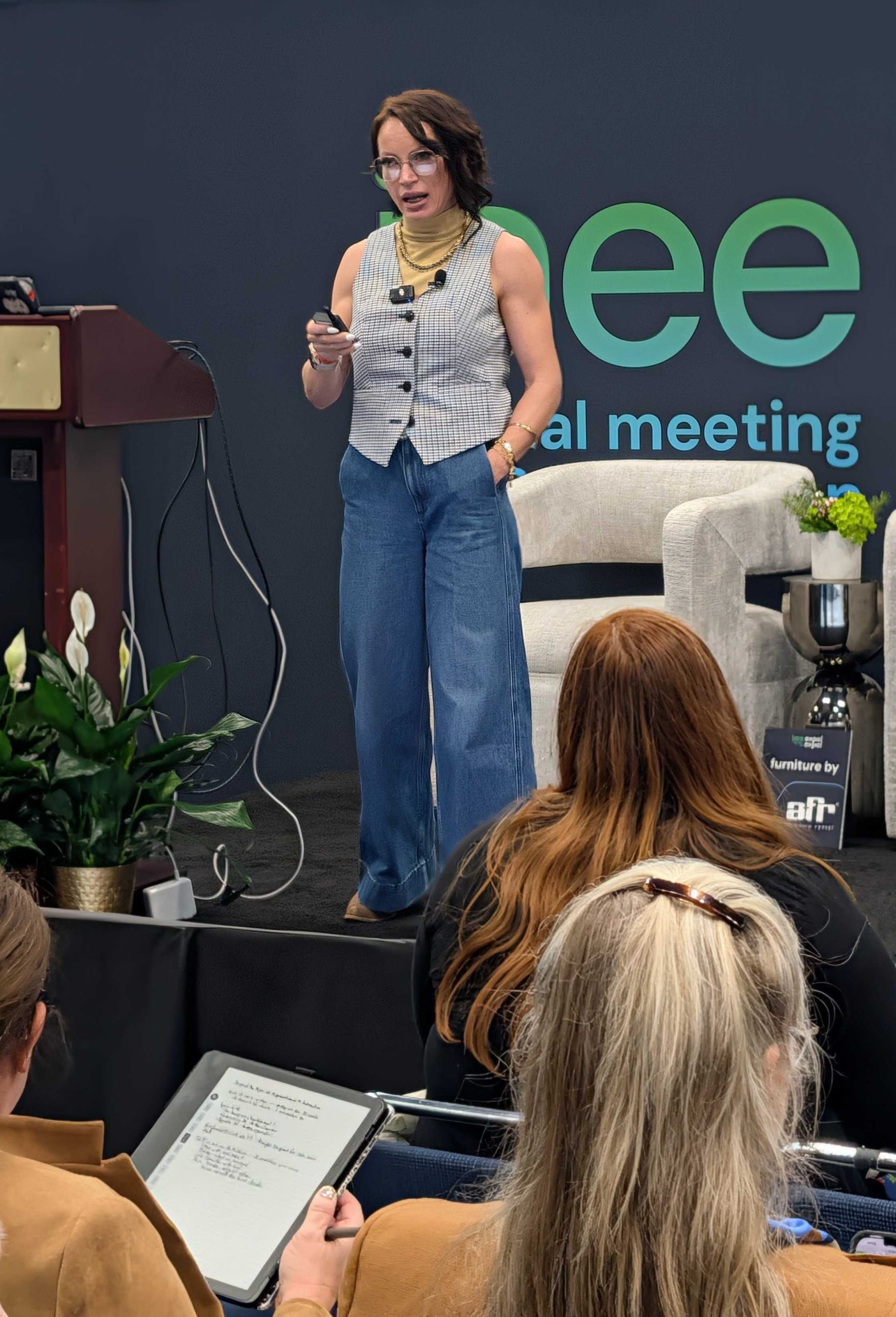
And I also step into events as a speaker who runs my own slides and live demos.
That combination is exactly why this experience stood out and why it matters.
I recently joined a virtual event as a speaker. Tech check was done. Expectations were clear. I explicitly stated that I run my own content, switch between applications, and need camera and screen live at the same time.
The production team told me they were running vMix.
That should have been enough.
It wasn’t.
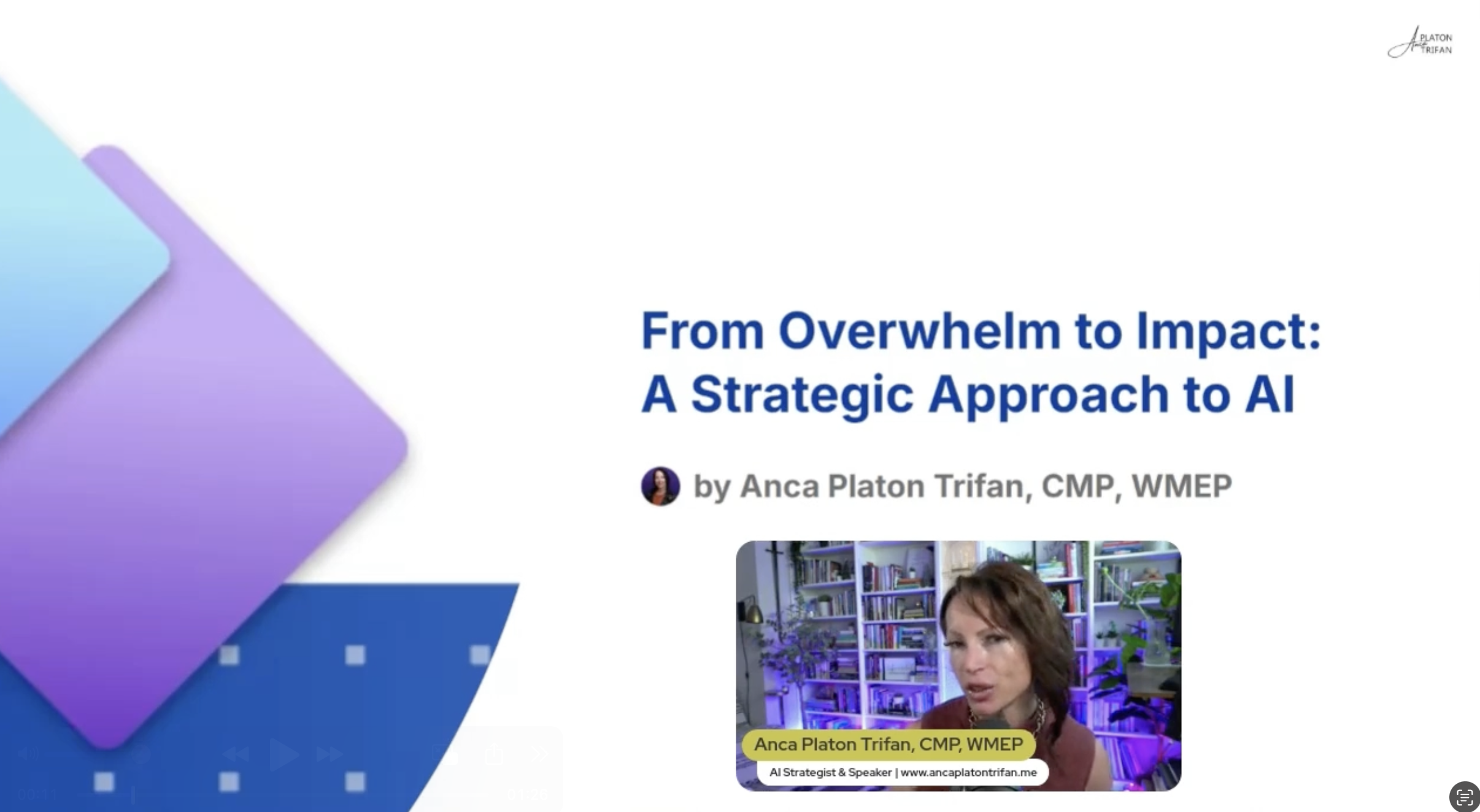 The moment we went live, it became obvious that while they knew how to operate vMix, they hadn’t engineered the show for a hands-on speaker. Inputs were treated as interchangeable. Intake assumptions were wrong. And instead of the show adapting to the content, the content was forced to adapt to the show.
I found myself stopping and restarting screen share, losing camera, and mentally tracking which input the audience might be seeing. That cognitive load should never land on the speaker, especially not during a live demo.
This is not a complaint. It’s a systems failure worth examining.
vMix does not fail silently. It fails visibly.
vMix is brutally honest.
If you design the intake incorrectly, the speaker experience will expose it in real time.
The most common mistake I see is assuming that “vMix Call” is a universal solution for remote speakers. It isn’t.
vMix Call: understand the stream model or don’t use it for demos
Let’s be precise.
A vMix Call input accepts a single incoming video stream at a time. That stream can be a camera or a screen share, but not both simultaneously within one Call session.
This is not a bug. It’s how the call architecture works.
If a speaker needs camera and content live concurrently, there are exactly two valid vMix Call-based architectures:
Two discrete Call inputs from the same speaker: one publishing camera, one publishing screen.
Or vMix Call is the wrong intake method for that speaker.
What is not acceptable is discovering this limitation during the show and asking the speaker to toggle between camera and share mid-session. That introduces latency, breaks continuity, and forces the speaker to context-switch while live.
As a producer, if you are planning to support a demo-heavy speaker using vMix Call, you must decide in advance whether you are building a dual-call architecture and whether the speaker can realistically support that from their environment.
Zoom integration: a legitimate intake layer, not a fallback
This is where vMix’s Zoom integration is often misunderstood.
Zoom supports simultaneous camera and screen share from a single participant. vMix’s Zoom plugin allows you to bind those streams to separate inputs.
From a signal flow perspective, this solves the dual-stream requirement cleanly.
From a production perspective, Zoom becomes a transport layer, not the presentation layer.
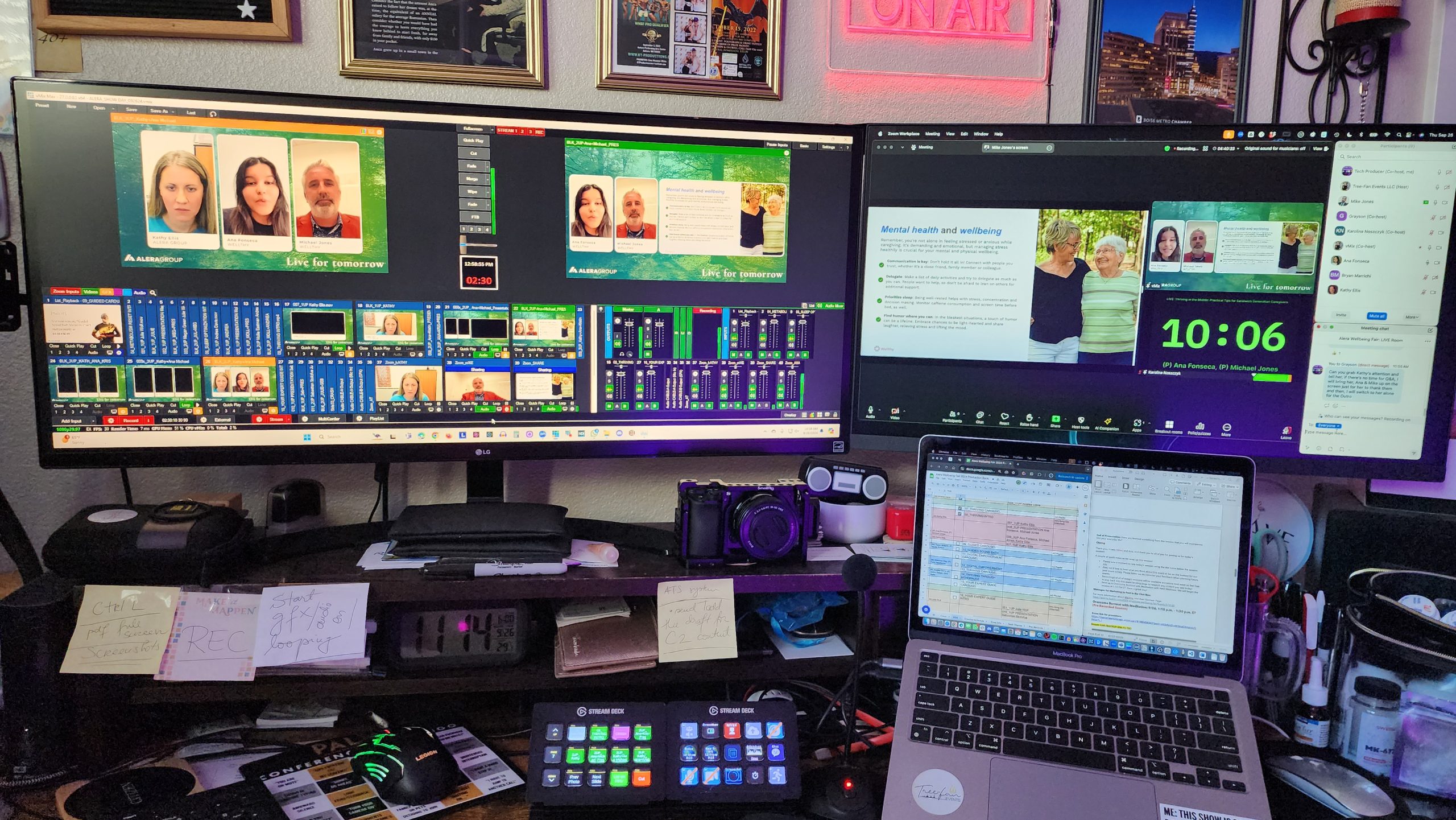 The correct implementation looks like this:
The speaker joins Zoom once.
Camera feed is assigned to a dedicated Zoom input.
Screen share feed is assigned to a second Zoom input.
Both inputs are locked into a pre-built MultiView layout.
The audience never sees Zoom.
The speaker never has to stop or restart sharing.
The layout remains stable for the duration of the segment.
The incorrect implementation is letting Zoom dictate layout, switching views inside Zoom, or treating the Zoom window itself as the program feed. At that point, vMix is no longer the switcher. It’s a capture device.
MultiView design is a control system, not a graphic
If you’re building vMix shows for speakers who run their own content, your MultiView design is part of your control plane.
Layouts must be deterministic.
That means:
The speaker frame never moves.
The content frame never moves.
Source swaps happen underneath the layout, not by rebuilding the layout.
vMix’s Layer Designer makes this straightforward if you actually use it. Snap alignment, consistent scaling, deliberate cropping, and locked positioning are not cosmetic. They are operational safeguards.
If a speaker glances at a confidence monitor or return feed and sees a different layout than expected, you have already lost ground.
Overlay channel strategy matters more than people admit
With vMix 29 expanding overlay channels to eight, there is no excuse for baking everything into one monolithic MultiView input.
Lower thirds, logos, timers, calls to action, and contextual graphics should live in overlays, not inside the core layout.
Why this matters to speakers:
Overlays can come and go without affecting the spatial logic of the presentation.
The speaker’s mental map of where they are and where their content lives remains intact.
Once you start repurposing the same layers for different visual elements, you increase the risk of unexpected changes mid-talk.
Audio routing and talkback are part of speaker safety
For speakers running live demos, audio instability is catastrophic.
vMix Call’s automatic mix-minus is solid. Zoom’s return audio can be controlled via bus routing. Neither is the problem.
The problem is when producers don’t intentionally design talkback and off-air monitoring.
If a speaker hears producer chatter while live, or loses program audio when switching inputs, that is a routing failure.
If you are supporting hands-on speakers, you need:
A defined off-air talkback bus.
Predictable return audio.
No audio state changes tied to screen share or camera toggles.
These are solvable problems in vMix, but only if they are treated as first-class design requirements.
Tech checks that do not validate architecture are theater
A tech check that only confirms “audio works” and “video shows up” is insufficient for this type of speaker.
For demo-driven talks, tech checks must validate:
Dual-stream intake behavior.
Camera and screen persistence under transitions.
Return feed consistency.
Confidence monitor logic.
If you don’t simulate real show conditions during tech check, you are not testing the system. You are testing optimism.
The actual point
This is not a vMix versus Zoom argument.
This is about architectural intent.
vMix gives you multiple correct ways to support speakers who run their own content. But it will not choose for you. If you don’t understand the stream models, input behavior, and layout mechanics, the speaker will experience that gap immediately.
As someone who builds vMix shows and steps onto them as a speaker, I’ll say this plainly:
Speaker experience is an engineering outcome.
When intake, layout, audio, and monitoring are designed with intention, the speaker disappears into their content. When they are not, the production becomes the story.
And that’s not a failure of tools. That’s a failure of design.
If this sounded familiar
If you’ve ever watched a speaker struggle on your show and thought, something feels off but I can’t quite name it, this is what you were seeing.
And if you’re a speaker who’s been asked to adapt mid-session, restart demos, or fight the setup instead of delivering your message, you already know the cost.
This is exactly the intersection I work in.
I don’t just speak about AI, events, and technology. I understand the production architecture behind them. I design talks and demos that respect live systems, and I design live systems that respect how speakers actually present.
If you want:
- a speaker who can run their own content without breaking your show
- a production partner who understands vMix at an architectural level
- or a vMix show that’s engineered for real speakers, not just clean signals
You can book me to speak, or you can book me to build and run your vMix productions properly.
Either way, the goal is the same: fewer compromises, better content, and a production that disappears in the best possible way.